mirror of
https://github.com/numexai/numex-hub.git
synced 2026-09-25 05:22:17 +00:00
(GitHub: github.com/numexai/numex-hub)
| .github/ISSUE_TEMPLATE | ||
| docs | ||
| gorseller | ||
| LICENSE | ||
| README.en.md | ||
| README.md | ||

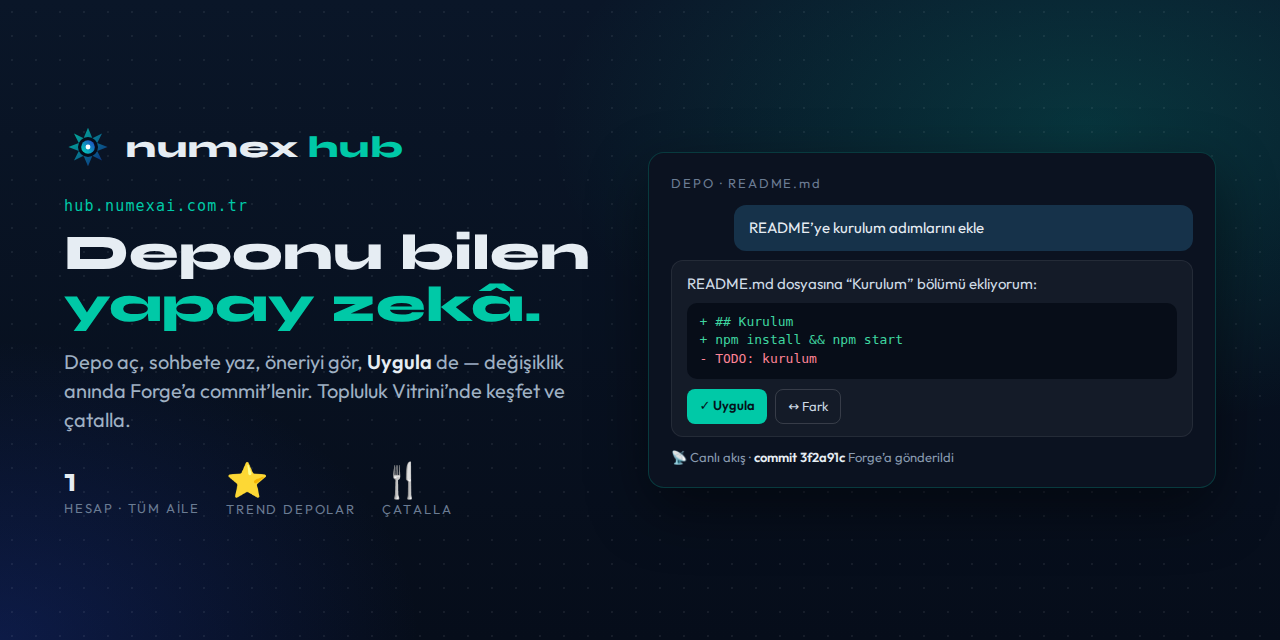
📦 Numex Hub
Repository management and AI-assisted development — with a single Numex account.



🇹🇷 Türkçe · 🇬🇧 English
Create and manage Git repositories, and edit them with AI. Sign in to Numex and Hub and Forge are ready for you. No separate sign-up, no separate password: one Numex account for the whole ecosystem.
ℹ️ Hub's interface is in Turkish. The screenshots below show the Turkish UI.
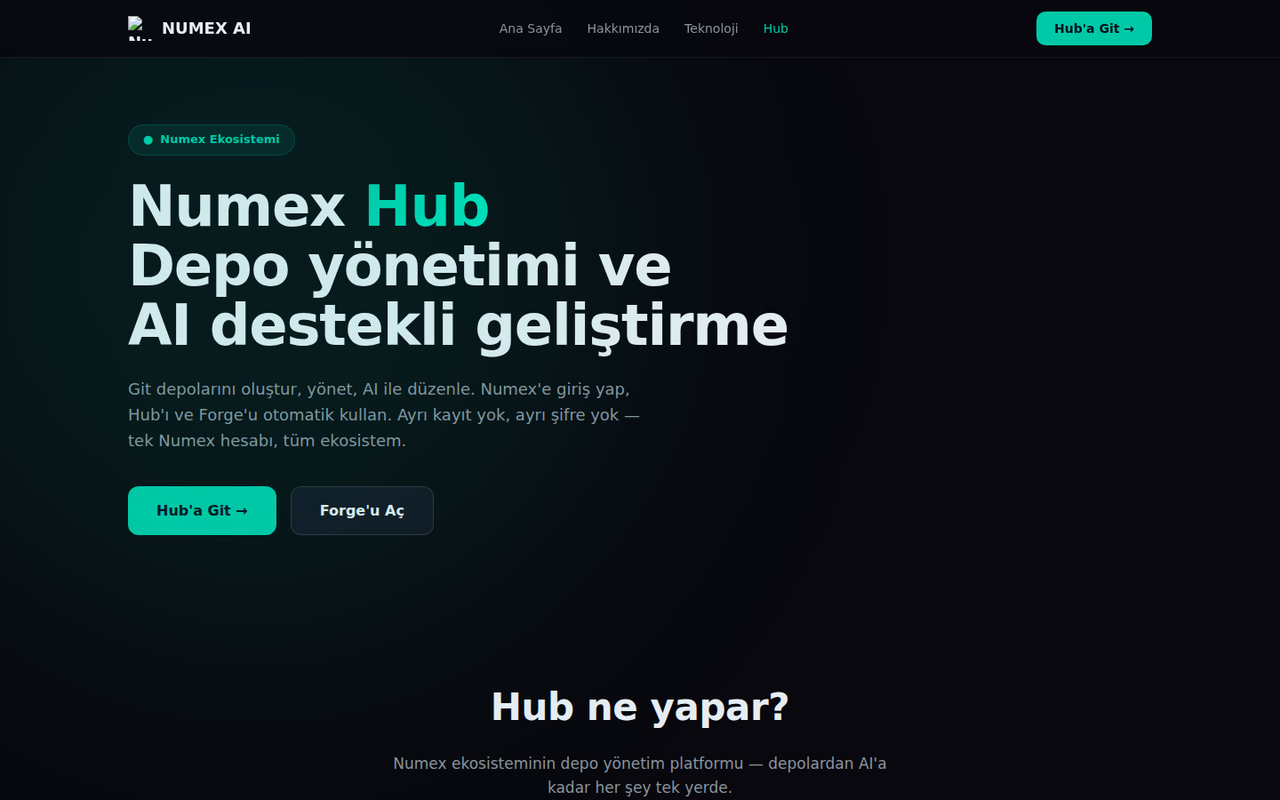
What does Hub do?
| Feature | Description |
|---|---|
| 📦 Git repository management | Create repos, edit files, browse commit history. Repos live on Numex Forge: real Git. |
| 🤖 AI-assisted editing (beta) | Type "update the README" in the chat; the AI proposes a code block, you approve, it is committed to Forge. |
| 💬 Repo-aware chat (beta) | The AI knows your repo's files: "add a function to index.js" → it reads the file and proposes the change. |
| ⚡ Instant apply (beta) | Review the proposal, press Apply → instant commit. See its SHA and revert if needed. |
| 🔐 One account | Sign in with Google or GitHub; Hub and Forge are enabled automatically. |
🌍 Community Showcase (NEW)
- ⭐ Trending repositories: featured projects with language tags, star and fork counts
- 🍴 Fork: copy a repo you like to your account in one click and build on it
- 🔍 Search repositories
- 📡 Live Feed (Live Numex Network): push, fork, star and PR activity in real time
How it works: 4 steps, nothing to install
- Sign in to Numex at numexai.com.tr with Google or GitHub.
- Open Hub at hub.numexai.com.tr; you arrive signed in.
- Tell the AI what to change: "update the README", "add a new function".
- Apply → commit to Forge: it shows up in history and can be reverted any time.
Working locally
Every Hub repository is a real Git repository on Forge:
git clone https://forge.numexai.com.tr/<user>/<repo>.git
📚 Documentation (Turkish)
Getting started · Community Showcase · Hub and Forge · FAQ
🐞 Found a bug or have an idea? → Open an issue
Where it fits
flowchart LR
    CODEX[🧩 Codex] -->|project| FORGE[(🏗️ Forge · real Git)]
    HUB[📦 Hub · AI repo interface] <--> FORGE
    MARKET[🛍️ Market · 44 open-source apps] -->|source code| FORGE
    HUB -->|Community · fork| USER([👤 You])
Numex Family · Numex AI · Codex · Okul · Market · Numexpedia · Hub · Forge · API · SDK · Pusulam · PC Doktoru
The Turkish AI that puts people first 🇹🇷 · Whole ecosystem →